01
Learn with short lessons
Step-by-step lessons explain one reading skill at a time, then let you try it right away.
Short lessons, quick drills, and graded pieces help you read notes, find them on the keyboard, and keep a steady pulse — a few minutes a day.
Start here
Each short lesson introduces one reading skill — the staff, note names, the keyboard — and ends with a quick practice round.
Learn the seven pitch letters, how they repeat in every octave, and where the natural half steps fall.
Read the staff as a picture of pitch: five lines, four spaces, and a clef that tells you which letter belongs where.
Find middle C between the treble and bass staves, learn the ledger line it sits on, and read its closest neighbors.
Read notes that move to the next line or space as steps to the neighboring letter.
The levels build from middle C to intervals, key signatures, and harmony. Follow them in order or jump straight to what you need.
Browse the curriculumBeginner Essentials
8 short lessons
Rhythm Basics
8 short lessons
Notes on the Staff
8 short lessons
Key Signatures
8 short lessons
Intervals and Chords
8 short lessons
Wider Range and More Keys
8 short lessons
Advanced Reading
8 short lessons
Sight-reading Fluency
8 short lessons
Tonal Harmony and Voice Leading
8 short lessons
Form, Counterpoint, and Composition
8 short lessons
Style, Sound, and Modern Theory
8 short lessons
How it works
Step-by-step lessons explain one reading skill at a time, then let you try it right away.
Quick note, rhythm, and interval drills turn each new idea into a reflex.
Accuracy, pace, and practice time are saved after every session, so you know what to review next.
Kantona brings notation, ear training, rhythm, repertoire, and guided practice into one focused learning experience.
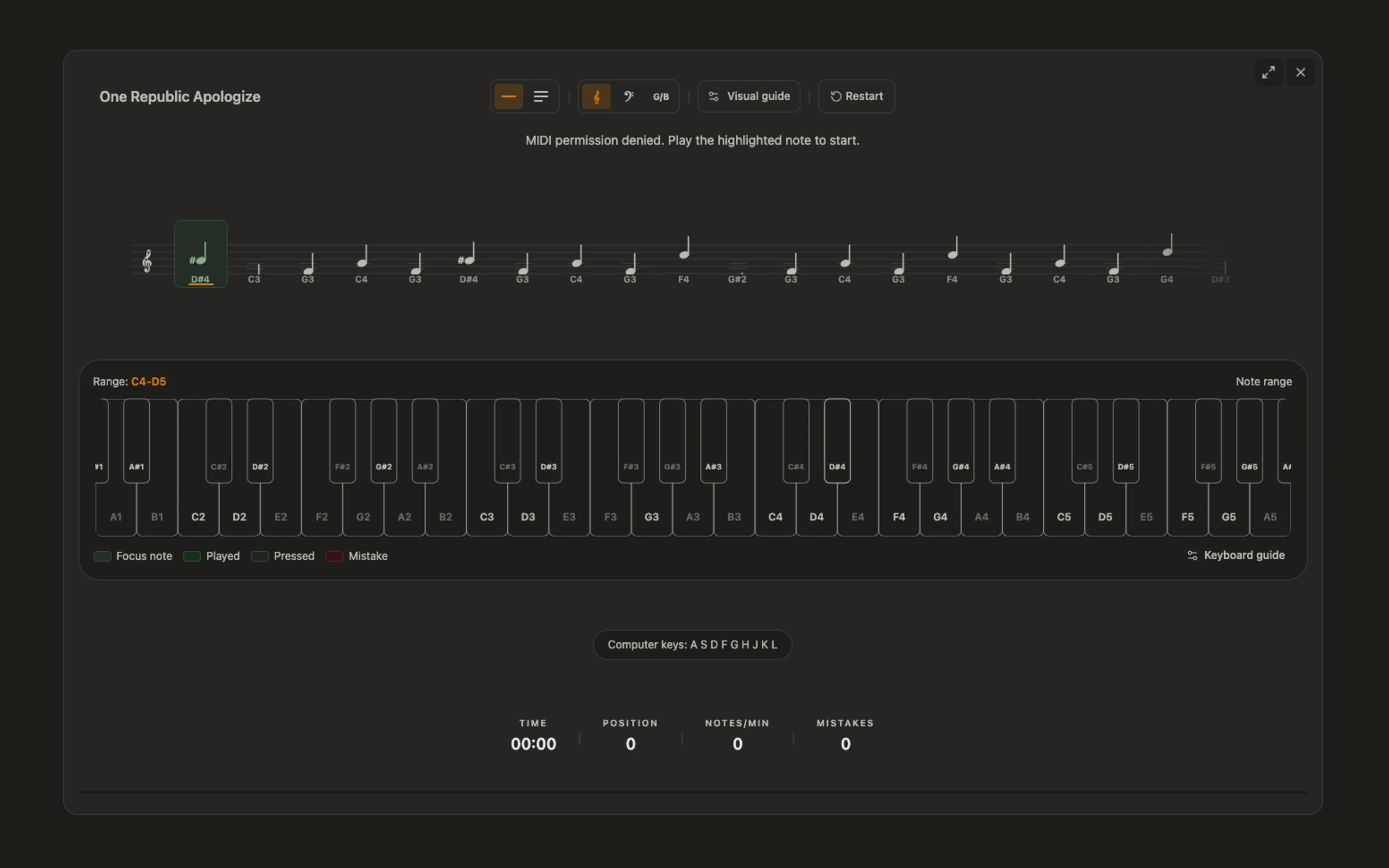
The score, the keyboard, and your playing stay on one screen, so you always know which note comes next.
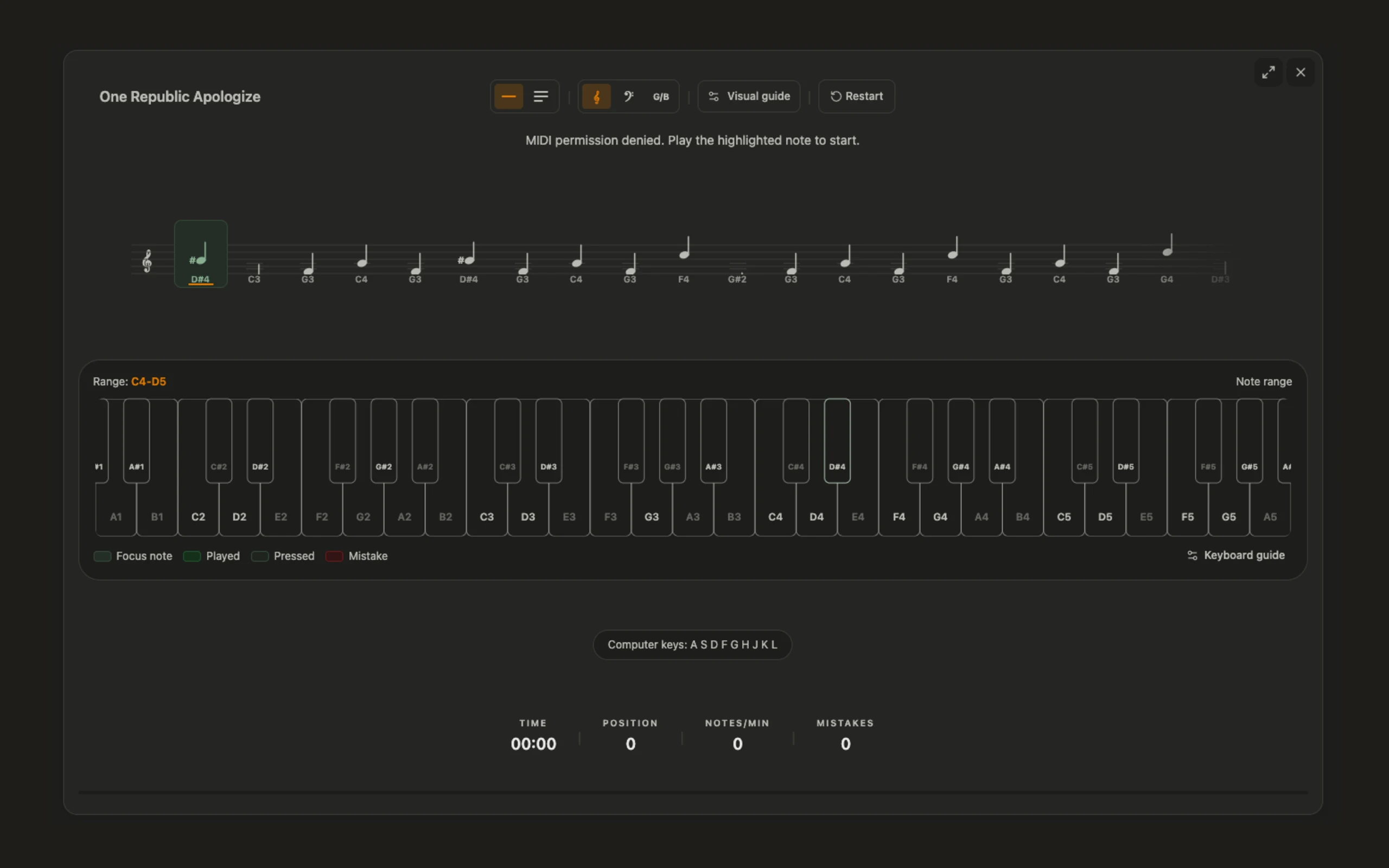
Every session is saved with accuracy, pace, and the notes that tripped you up, so your next practice has a clear focus.
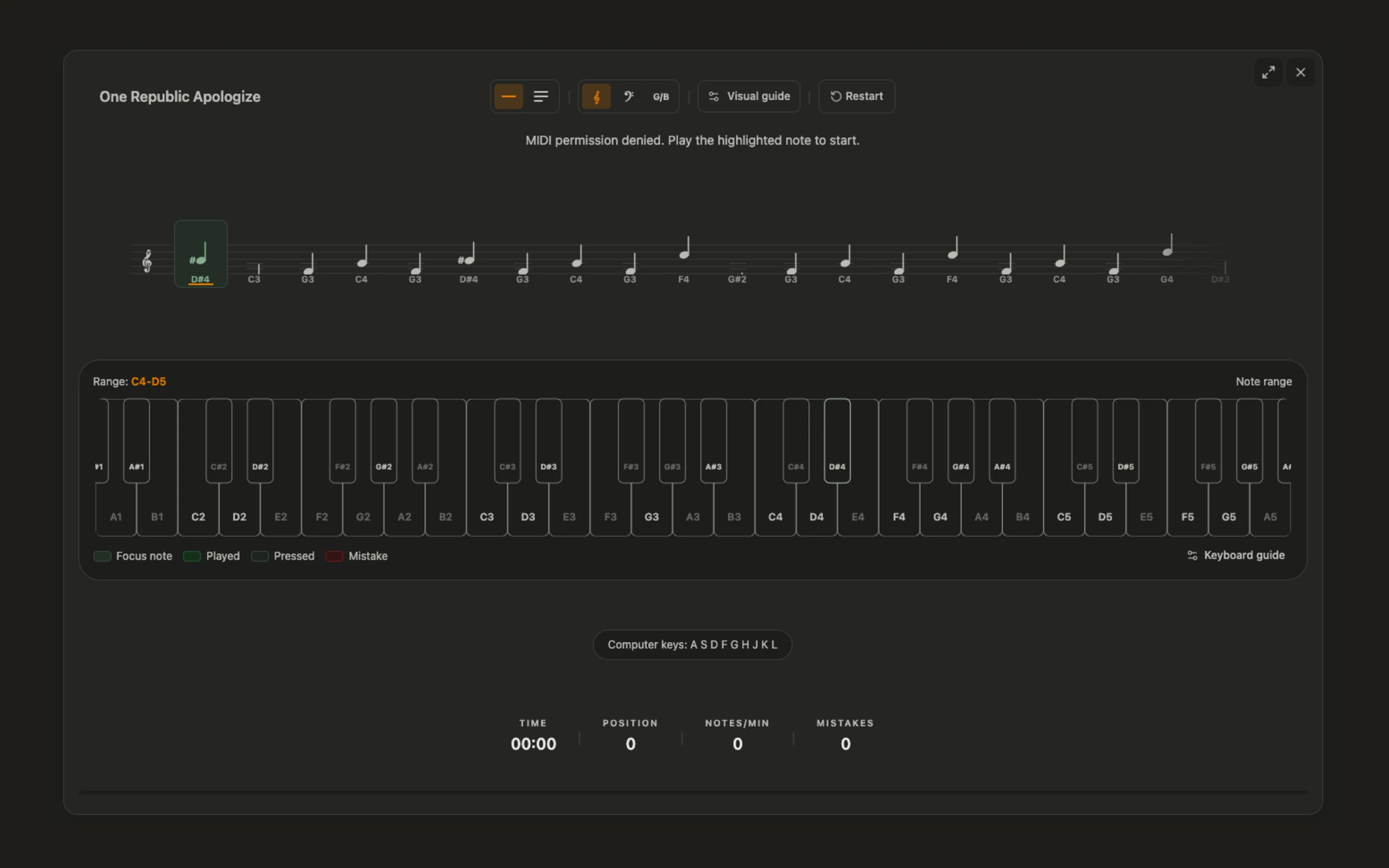
Move from drills to real music: public-domain pieces graded by difficulty, plus the scores you import yourself.
The library
Public-domain classics from Bach to Joplin, each graded from 1 to 5, so you always know which piece to try next.
Progress
For teachers
Classes, assignments, and progress in one place.
Create classes, assign pieces and drills, and see each student’s accuracy and practice time before your next lesson.
Example: one week of class practice
Submissions
18 / 24
Average accuracy
86%
Practice time
42 min
Recent tempo
72 BPM
FAQ
Answers to common questions for learners and teachers evaluating Kantona.
Kantona helps learners practice sheet music reading, note recognition, and keyboard geography through focused drills and visible progress.
No. Learners can start with computer-key input for basic drills, then use a piano or MIDI keyboard when they are ready for more hands-on practice.
Yes. Teachers can create classes, assign lessons, drills, and pieces, and review each student’s accuracy and practice time.
Yes. The Progress page shows practice time, accuracy, and achievements, and its History tab lists every completed session, so learners and teachers can see what needs more practice.
Ready when you are
Open Kantona in your browser, play along on your computer keyboard, and connect a MIDI keyboard whenever you like.
Get started